


The “Publish” button in WordPress is supposed to be the finish line, but for most of us, it feels like tossing a message in a bottle into a very crowded ocean. You’ve probably been told that to get noticed, you need to load up your “Update Services” settings with a massive list of ping URLs— hundreds of them, if you believe some of the forums.
Most WordPress users believe that a longer ping list equals faster indexing, but the reality is that 90% of those URLs are dead “zombie” servers. Using an unverified WordPress ping list in 2026 actually triggers server timeouts and can flag your site for “ping spam,” delaying your content’s appearance in search results.
The Hidden Cost of Your Mega-List
Here’s the thing: every time you hit save or publish, WordPress attempts to contact every single URL in that box. If you have 100 links and 80 of them are broken, your server sits there waiting for a response that will never come. Have you ever noticed your dashboard hanging for five or ten seconds after you click update? That’s not a slow host; that’s your site trying to talk to a ghost.
Let’s be honest, the “mega-lists” circulating on SEO blogs are usually just relics from 2012. Back then, blog aggregators were everywhere. Today, search engines like Google and Bing have moved on to more sophisticated crawling methods. By forcing your site to ping dead services, you aren’t helping your SEO; you’re just annoying your own server.
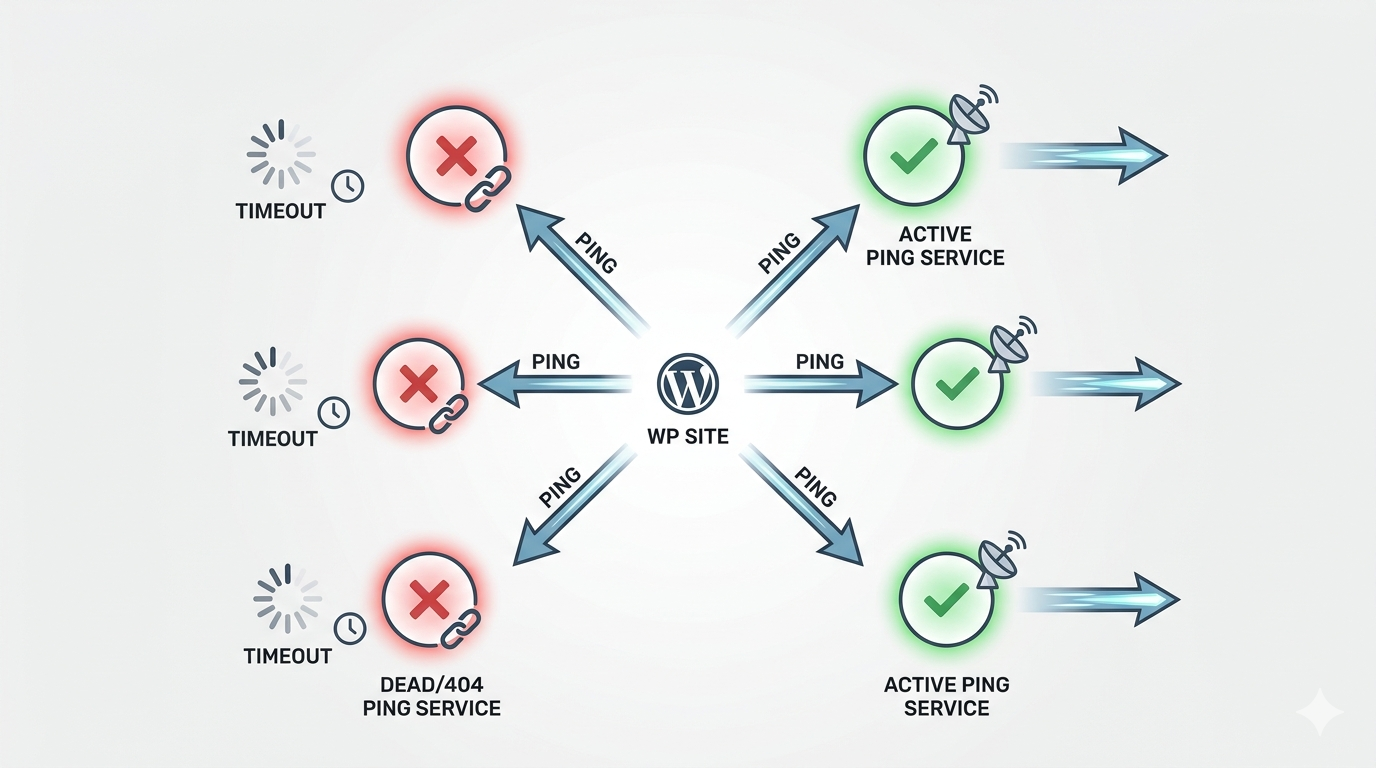 Caption: How dead ping services create “server hang” during post publication.
Quality Over Quantity: The 2026 Verified List
What most people miss is that Google only needs to be told once. The same goes for the major aggregators. Instead of a shotgun approach, you need a sniper rifle. A curated list of high-authority, active RPC (Remote Procedure Call) endpoints is all you need to ensure your content is indexed within minutes rather than days.
| Service Name | Purpose | Status (2026) | URL |
| Ping-O-Matic | Aggregator (covers Google/Bing) | Active | http://rpc.pingomatic.com/ |
| FeedBurner | RSS Distribution | Active | http://ping.feedburner.com/ |
| Weblogs.com | Blog Directory | Active | http://rpc.weblogs.com/RPC2 |
| Bing Webmaster | Direct Microsoft Indexing | Active | https://www.bing.com/webmaster/ping.aspx |
| Yandex Blogs | Eastern European Reach | Active | http://blogs.yandex.ru/ping |
You’ll notice this table is significantly shorter than the “Top 100” lists you might find elsewhere.
That’s intentional. These are the heavy hitters that actually respond and propagate your data.
Why “Ping Spam” Is a Real Threat
The short answer is yes—you can be penalized for over-pinging. If you are a serial editor who hits “Update” every time you fix a typo, you are sending a fresh batch of pings to these servers every few seconds. Some services will see this as a Denial of Service (DoS) attack or simply low-quality spam, and they will blackhole your IP address.
Imagine walking into a library and screaming “I wrote a book!” every time you change a single word in a chapter. Eventually, the librarian is going to kick you out. That’s exactly what happens to your site’s reputation when you use an unmanaged ping list.
 Caption: The “Update Services” lag is a silent killer of productivity.
How to Clean Up Your WordPress Settings
Setting this up correctly takes less than two minutes, but it can save you hours of cumulative server lag over the year. First, navigate to your Settings > Writing menu. Scroll to the bottom until you see the “Update Services” box. If it’s empty, or if it looks like a wall of text from a 2005 forum, it’s time for a purge.
- Clear the Box: Delete everything currently in there.
- Paste the Verified List: Use only the 10–15 URLs that are confirmed to be active.
- Install a Limiter: If you tend to update posts frequently, use a plugin to limit pings to once per 60 minutes per post.
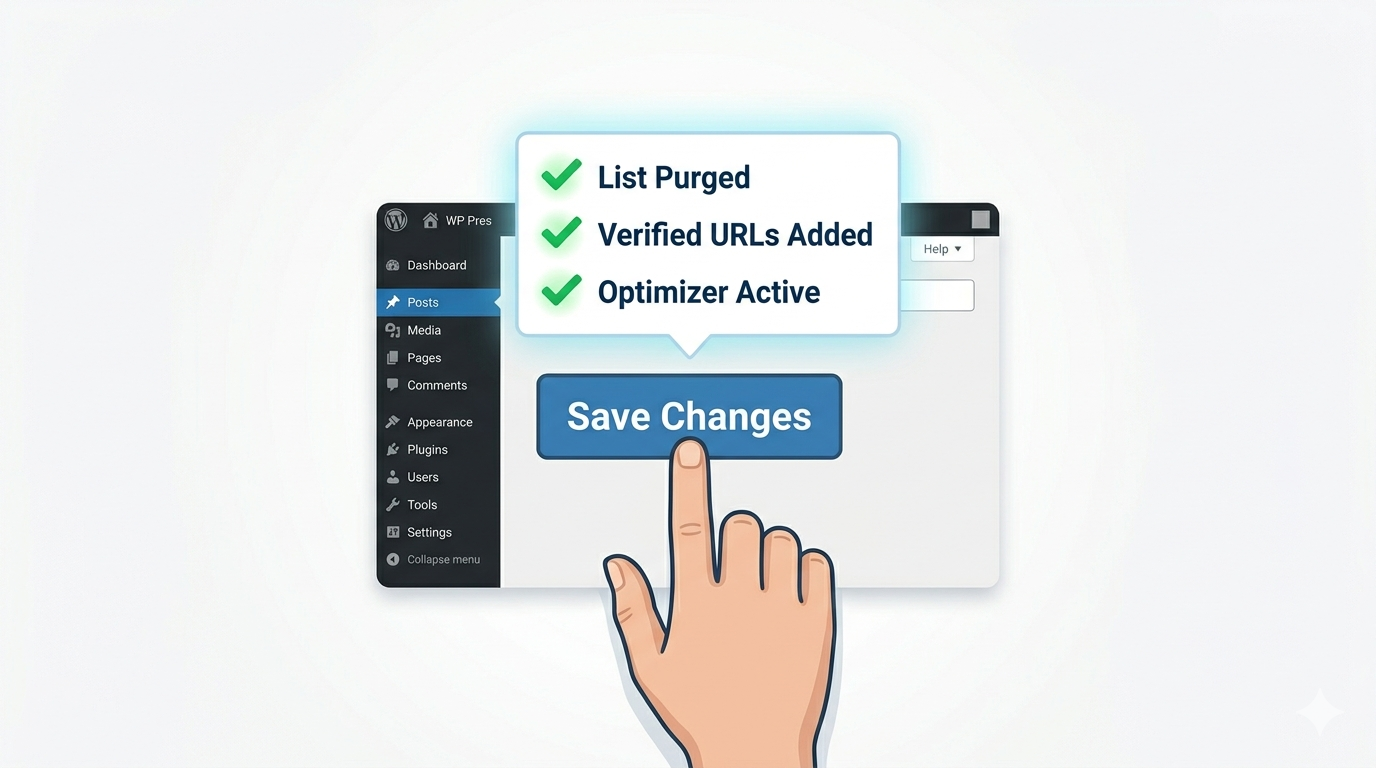
Caption: A three-step workflow for a cleaner, faster WordPress site.
Beyond the Ping: The Modern Indexing Reality
Let’s take a stance here: Pings are the “extra credit” of SEO, not the core curriculum. In 2026, your XML Sitemap and your Google Search Console API are far more important than any RPC ping. If you aren’t using an IndexNow-compatible plugin, you’re essentially using a rotary phone in a 5G world.
A ping tells the world you’ve updated; a sitemap tells the world what you’ve updated and how it fits into your site’s architecture. Use the curated ping list to reach the niche blog directories, but don’t expect it to do the heavy lifting that a proper technical SEO setup requires.
Stop treating your WordPress settings like a junk drawer. Clean out the dead weight, stick to the verified services, and watch your server—and your rankings—breathe a little easier.
Ready to see if your site is actually being indexed? Download our Technical SEO Audit Checklist and find the “zombie” settings killing your traffic today.